
Text syntax reference
Every line is one node, arrow, group, or placement.
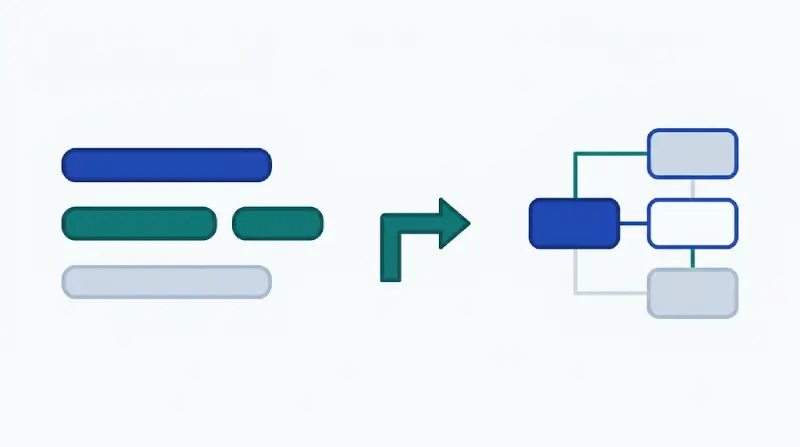
Header
Set the title, theme, and type at the top.
title: Checkout
theme: editorial
type: architecture
node web "Web" [client]Nodes
node id "Label" [kind]. Use the id in arrows.
node api "API" [service]
node db "Orders DB" [database]Kinds
Ten kinds, each with its own icon.
servicedatabasecachequeueclientuserexternalstoragegatewayfunctionArrows
-> is one way, <-> is both ways. Put a label after the colon.
node a "Web" [client]
node b "API" [service]
a -> b : "HTTPS"
b <-> aGroups
group id "Label" { a b } draws a boundary around nodes.
node api "API" [service]
node db "DB" [database]
group vpc "VPC" { api db }Placement
Use right-of, left-of, above, or below. Unplaced nodes take the next free cell.
node api "API" [service]
node db "DB" [database]
node cache "Cache" [cache]
db below api
cache right-of apiFlow
Add flow at the end of an arrow to animate it.
node a "Client" [client]
node b "API" [service]
a -> b : "request" flowSequence diagrams
Set type: sequence, then list participants and messages. --> is a reply.
type: sequence
participant c "Client"
participant s "Server"
c -> s : "GET /orders"
s --> c : "200 OK"Themes
Four themes: editorial, minimal, blueprint, mono.
editorial
minimal
blueprint
mono
Limits
Share links hold up to 6,000 bytes after compression. For larger diagrams, export SVG.
The editor opens with an example.